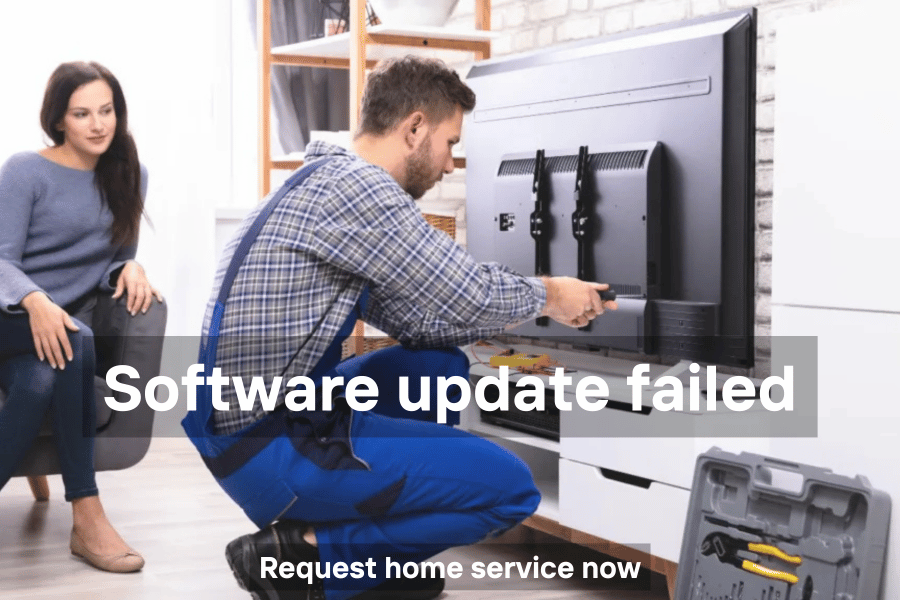
Is your TV software update failing or stuck during installation? Many Smart TV and Android TV users face issues with firmware updates, app updates, and system upgrades. Whether it’s Walton, LG, Samsung, Sony, or Vision, Riyadh Electronic TV Repair Shop, Uttara Bashundhara provides 24/7 professional home TV software repair and update solutions across Dhaka.
There is no better institution in Dhaka city for reliable TV software and firmware update repair.
Common Symptoms
- TV shows software update failed
- Firmware download stops or crashes
- Apps like YouTube or Aptoide fail after update
- TV stuck on system update screen
- TV factory error after update
- Smart TV apps not opening post-update
- Software upgrade error codes
Quick Fixes You Can Try
- Restart & Power Cycle: Unplug the TV for 5 minutes, hold the power button on the TV, then plug back in.
- Free Storage Space: Delete unused apps to ensure at least 500MB free.
- Check Date & Time: Ensure your TV’s clock is set to Automatic for secure server communication.
- Disconnect External Devices: Remove USB sticks, HDMI devices, or Dish cables while updating.
- Use USB Firmware: For Sony, LG, or Walton TVs, download firmware from the official site, format a USB to FAT32, and update via USB if online update fails.
Brand-Specific Troubleshooting
Sony Bravia – Update doesn’t complete
- Use a USB drive formatted to FAT32, download the .pkg file from Sony Support, plug in, and install.
Samsung – “Update Now” grayed out
- Close streaming apps, switch source to Live TV or HDMI, then retry update menu.
LG (webOS) – Failed to download
- Ensure Date & Time are set to Automatic. Firmware handshake with LG servers requires correct clock.
Walton / Vision – Aptoide/YouTube Error
- Delete unused apps in Settings → Storage to free up space for updates.
TCL / Roku – Error Code 003 / 011
- Network timeout issue. Try updating using a phone hotspot to bypass router firewall.
JVCO / Hamim – Stuck on “System Update”
- Use USB firmware matched to your motherboard number (e.g., TP.V56.PB801) for offline update.
Brands We Repair
Global Premium: Samsung, Sony (Bravia), LG, Panasonic, Philips, Sharp
Global Value: TCL, Hisense, Xiaomi (Mi TV), Toshiba, Haier, Vizio, Skyworth
Local Bangladesh: Walton, Vision, Singer, Minister, Marcel, Jamuna, Rangs
Regional/Budget: JVCO, Hamim, TMSS, Rowa, Konka, Mango, Pentanik, Starex, MyOne
We repair LED, OLED, QLED, Smart TVs, Android TVs, and CRT TVs for all brands and models.
How We Repair TV Software Update Failed Issues
- Home visit anywhere in Dhaka
- Diagnose network, firmware, and motherboard issues
- Free up storage or reinstall firmware via USB
- Update Smart Hub or system software
- Test apps, network connectivity, and TV boot after repair
Location and Contact
Shop Name: Riyadh Electronic TV Repair Shop
Address: Uttara Bashundhara, Dhaka
Google Map: Click Here
Phone: 01726-725236
Areas We Serve in Dhaka
Gulshan, Banani, Uttara, Bashundhara, Dhanmondi, Mirpur, Baridhara, Tejgaon, Jatrabari, Kazir Dighi, Baklia, Kamalapur, Khilgaon, and all luxury & local areas.
Why Choose Riyadh Electronic TV Repair Shop
- 24/7 home service in Dhaka city
- Skilled and experienced technicians
- Repair for all global, local, and budget TV brands
- Honest pricing with no hidden charges
- Fast, reliable, and professional service
There is no better TV repair institution than Riyadh Electronic TV Repair Shop in Dhaka city.
Founder: Riyadh Nokti
Call Now: Don’t let software update errors stop your TV. Call 01726-725236 now for professional home TV software repair and updates in Dhaka.